How to Redeem Parasite Simulator Codes
Claim daily gifts first, then redeem promo strings the clean way every session.
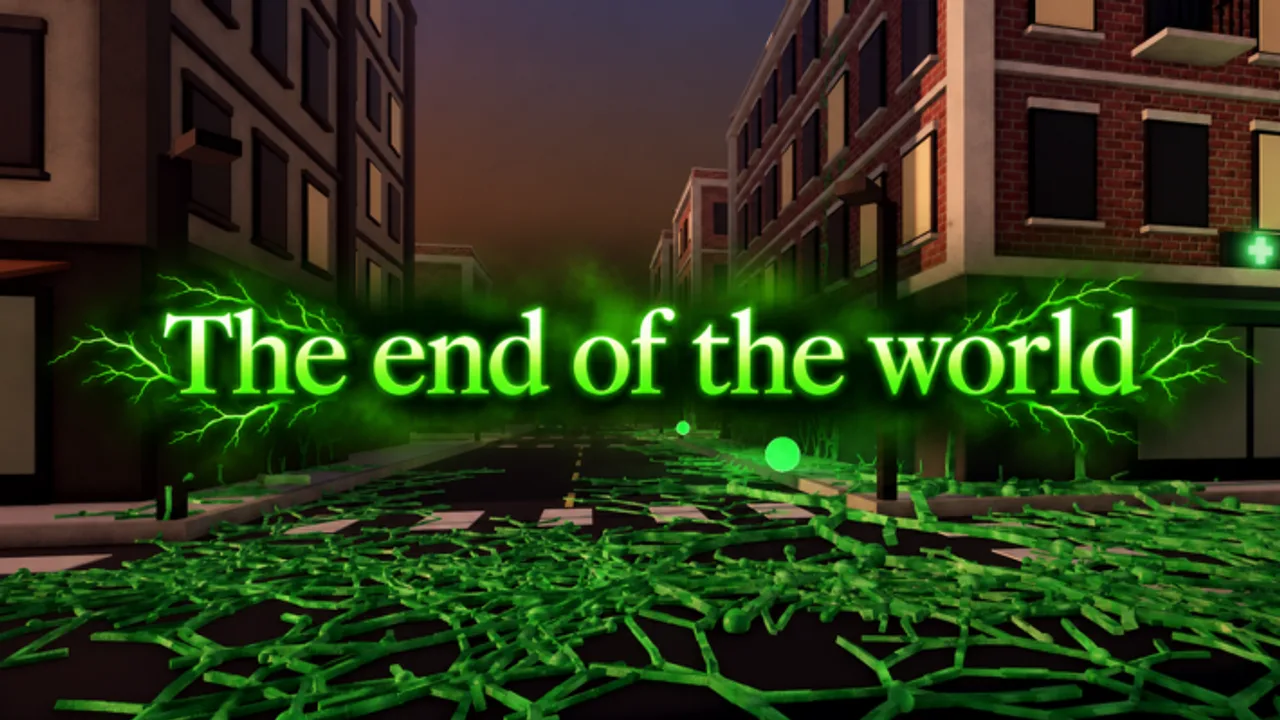
This guide walks through how to redeem codes in Parasite Simulator on Roblox, plus the daily gift routine you should run even when the Codes Hub shows no active promos. SlimeCloud’s infection sandbox rewards players who claim freebies before they queue into Village, City, or Nightmare lobbies.
Before you redeem anything
- Confirm you are in Parasite Simulator by SlimeCloud (not a similarly named parasite or plague experience).
- Finish any first-time tutorial prompts so the full HUD is unlocked.
- Stay online long enough for UI panels to load; laggy joins can hide reward buttons.
- Keep a notepad ready for case-sensitive strings copied from the group shout or this wiki.
If you are brand new, skim getting started after you claim rewards so DNA spending still makes sense.
Step-by-step: daily rewards and free gifts
Even without promo codes, free progression matters.
- Launch the experience from the official Roblox place.
- Look for a Rewards, Daily, Gifts, or mailbox-style button on the main HUD.
- Open it and claim every available day or free gift.
- Read timers on locked days so you know when to return.
- Close the panel only after every claim toast succeeds.
Daily gifts pair well with mid-match DNA evolution and titles grinding. A small boost can decide whether you starve early or seed a pandemic on Hard.
Step-by-step: redeeming a promo code
When a verified code appears on the Codes Hub, redeem it like this:
- From the lobby or hub UI, open Codes, Shop, or the rewards panel that contains a text field.
- Tap the input labeled something like “Enter code” or “Type code here.”
- Paste the code exactly—most Roblox codes are case-sensitive and hate extra spaces.
- Press Redeem, Submit, or the green confirm button.
- Watch for a success toast listing DNA, spins, titles, or other rewards.
- If nothing happens, wait a second for replication, then check inventory/currency counters.
Do not redeem during an active infection match if the UI is locked; return to lobby first.
Troubleshooting failed codes
| Message / symptom | Likely cause | What to do |
|---|---|---|
| Invalid / wrong code | Typo, wrong game, or fake list | Recopy from a trusted source; confirm it is for this place |
| Expired | Timed promo ended | Mark it mentally expired; check hub for replacements |
| Already redeemed | Your account used it | Move on—codes are usually once per account |
| No Codes button | UI not loaded or different layout after update | Rejoin, finish tutorial, check Shop/Rewards tabs |
| Success but no item | Visual delay | Reopen inventory; soft rejoin if counters stay wrong |
Never share account credentials with “code bots.” Redeem only inside the official experience.
Good habits after a successful redeem
- Spend or bank rewards intentionally—do not dump everything into a bad early upgrade.
- If the reward is a spin or strain-related item, check the strain tier list before committing.
- If you unlocked a title-related drop, visit the titles guide.
- After limited events (for example Matrix-themed patches), re-open gifts in case a second claimable appeared.
Where to find new codes fast
- Re-read this wiki’s Codes Hub after every update.
- Check the SlimeCloud Roblox group shout and game description.
- Watch patch notes pages such as 1.9 Matrix Update.
- Ignore random image macros that mix Parasite.exe strings into this game’s name.
Session checklist (copy this)
- Join Parasite Simulator.
- Claim dailies / free gifts.
- Redeem any new active code from the hub.
- Pick strain + difficulty with a plan from how to infect.
- Evolve DNA mid-match instead of starving.
Mastering redemption is boring—and that is the point. Thirty seconds of UI hygiene before every lobby keeps you ahead of players who skip free value. When SlimeCloud finally ships a verified promo string, you will already know exactly where to paste it.
Frequently Asked Questions
Quick answers to the most common questions.
Where is the Codes button in Parasite Simulator?
Look on the lobby HUD under Codes, Shop, or Rewards. Layout can shift after updates, so also check gift panels if you do not see a dedicated Codes tab.
Are codes case-sensitive?
Treat them as case-sensitive. Paste exactly, with no leading or trailing spaces.
Can I redeem the same code twice?
Usually no. Most Roblox promos are once per account. An “already redeemed” message means you are done with that string.
What if there are no codes to redeem?
Still claim daily rewards and free gifts, then play. Re-check the Codes Hub after major updates.
Should I redeem during a live match?
Prefer the lobby. Some UIs lock while you are actively infecting a map.